
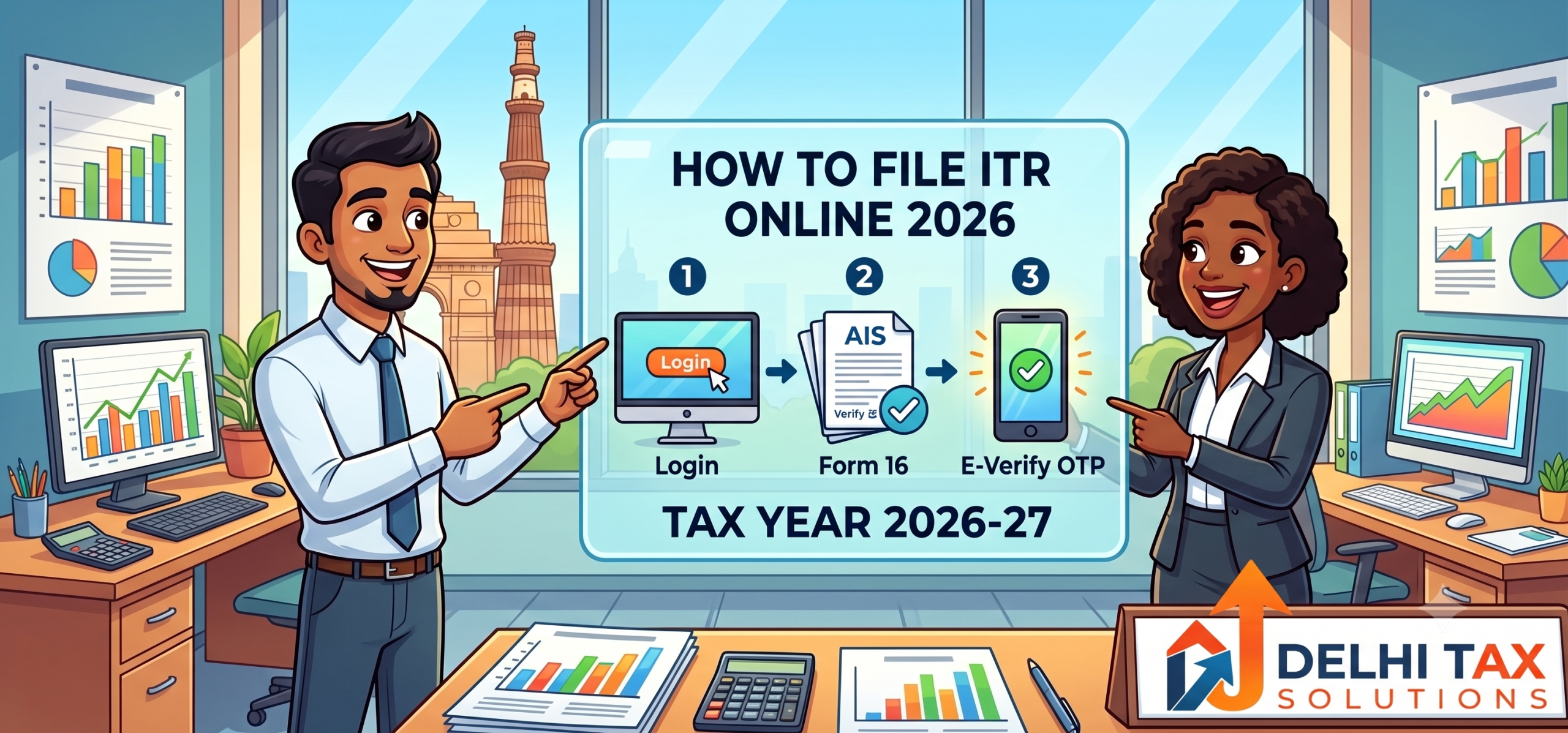
💡 Key Takeaways
- Filing your ITR online is mandatory for individuals earning above the basic exemption limit.
- The transition to “Tax Year 2026-27” eliminates the old Assessment Year confusion entirely.
- Selecting the correct form—such as ITR-1 or ITR-4—prevents immediate defective return notices.
- You must verify your Annual Information Statement (AIS) before drafting your submission.
- E-verification within 30 days is legally required to complete the filing process.
Filing your taxes does not have to induce panic. The shift to the simplified direct tax code rules means understanding how to file ITR online 2026 is easier than ever before. Gone are the days of deciphering the difference between previous years and assessment years; you now simply file for the exact 12-month period you earned your money. However, a simplified terminology does not eliminate the need for absolute precision on the digital portal.
Every single data point you enter is cross-checked instantly by government algorithms against your PAN. A single mismatch between your declared income and your bank’s reported data will freeze your refund and trigger a departmental notice. This comprehensive guide walks you chronologically through the exact ITR filing process India mandates for the current financial cycle.
We cover the mandatory prerequisites, how to choose the right form, and the exact clicks required to submit your return securely.
How to File ITR Online 2026: The Direct Answer
To successfully learn how to file ITR online 2026, you must log into the official Income Tax e-filing portal using your PAN and password. Navigate to the “e-File” tab, select “Income Tax Return,” and choose Tax Year 2026-27. Select the correct form based on your income sources, pre-fill your data using the Annual Information Statement, validate the automated tax calculations, submit the digital form, and immediately e-verify it using an Aadhaar OTP.
Mandatory Prerequisites Before Logging In
Preparation prevents rejection. Before you type your password into the e-filing portal ITR login page, you must gather your core financial documents. The government already knows your major financial moves; your job is to reconcile your records against theirs.
First, download your Form 16 from your employer, which details your salary and deducted taxes. Second, you must extract your Annual Information Statement (AIS) and Form 26AS directly from the portal. These documents track every high-value mutual fund sale, property purchase, and Tax Deducted at Source (TDS) linked to your Permanent Account Number (PAN). According to recent CBDT guidelines, any discrepancy between your declared income and the AIS will automatically trigger a scrutiny notice. Keep your Aadhaar-linked mobile phone nearby, as you will need an active OTP for the final legal verification.
ITR-1 vs ITR-2: Which Form Do You Need?
Choosing the wrong form is the most common reason for a defective return. The e-filing algorithm will aggressively reject your submission if your income sources do not match the form’s rigid parameters. Understanding the difference between ITR-1 vs ITR-2 protects you from unnecessary administrative headaches.
| Feature | ITR-1 (Sahaj) | ITR-2 | ITR-4 (Sugam) |
|---|---|---|---|
| Target Audience | Salaried employees with simple finances | Individuals with capital gains or multiple properties | Freelancers and MSME owners |
| Income Limit | Up to ₹50 Lakhs | Exceeds ₹50 Lakhs | Up to ₹50 Lakhs |
| Capital Gains | Not Allowed | Allowed (Stocks, Mutual Funds, Crypto) | Not Allowed |
| Business/Profession | Not Allowed | Not Allowed | Allowed (Presumptive Taxation) |
| Foreign Assets | Not Allowed | Allowed | Not Allowed |
If you run a registered sole proprietorship and have a GST Registration, you cannot use ITR-1 or ITR-2. You must select ITR-3 or ITR-4 depending on whether you opt for presumptive taxation. When in doubt, consult a professional to ensure your form aligns perfectly with your revenue streams.
The Complete ITR Filing Process India (Tax Year 2026-27)
Following a chronological workflow prevents you from missing hidden deductions. The modernised Income Tax Department infrastructure auto-populates most of your data, but blind trust leads to costly tax miscalculations.
-
Step 1: Login to the e-Filing Portal
Navigate directly to the official government portal. Enter your PAN in the User ID field and input your secure password. If this is your first time, you must register a new account using your PAN and an active email address. Ensure your contact details are fully updated to receive official SMS alerts. -
Step 2: Initiate the Filing Workflow
Once logged into the dashboard, click on the e-File menu at the top. Select Income Tax Returns and then click File Income Tax Return. The system will ask you to select the reporting period. Choose Tax Year 2026-27 from the drop-down menu and select the Online filing mode. -
Step 3: Select Your Filing Status and Form
Select your status as an ‘Individual’. The portal will then ask you to select your specific form. Based on the comparison table above, choose ITR-1, ITR-2, or the form relevant to your income. Click Proceed to enter the core questionnaire. -
Step 4: Verify Pre-Filled Financial Data
The portal will automatically pre-fill your salary, interest income, and TDS details using data provided by your employer and banks. Do not skip this validation. You must manually cross-check these pre-filled numbers against your Form 16 and Annual Information Statement. If a bank reported incorrect fixed deposit interest, you must edit the field immediately. -
Step 5: Claim Your Deductions
Navigate to the deductions tab. If you opted for the old tax regime, this is where you manually enter your Section 80C investments (like life insurance or PPF) and Section 80D medical insurance premiums. Ensure you possess the physical receipts for every single deduction you claim. -
Step 6: Pay Outstanding Liabilities
The system will calculate your final tax liability automatically. If you owe money, you must pay it using the e-Pay Tax service before submitting the form. You can use UPI, net banking, or debit cards. Once paid, enter the BSR code and challan number into the tax payment schedule section. -
Step 7: Preview, Submit, and e-Verify
Click Preview Return to view the entire drafted document. Check the declaration box, enter your location, and click Proceed to Validation. If the portal finds no structural errors, click Submit. You must immediately e-verify the return using an Aadhaar OTP. An unverified return is legally considered invalid after 30 days.
Handling Corporate and Business Filings
The online ITR filing steps become vastly more complex for registered business entities. If you recently completed your Company Registration as a Private Limited Company or LLP, you cannot simply log in and submit an online web form. Corporate entities must use offline utilities to generate a JSON file.
Furthermore, companies subject to a statutory tax audit under Section 44AB must ensure their Chartered Accountant digitally signs the Form 3CA-3CD audit report before the final tax return is uploaded. Discrepancies between your reported income and the outward supplies declared on the GST Portal will invite immediate departmental scrutiny.
⚡ Quick Summary
Individual taxpayers can complete the entire process via web forms. Registered companies and audit-case businesses must upload JSON files and secure digital signatures from their CA before the October deadline.
If your startup requires a formal audit, partnering with an expert Income Tax / ITR Filing consultancy ensures your balance sheets align perfectly with government expectations.
Conclusion
Mastering how to file ITR online 2026 removes the anxiety from tax season. By gathering your Form 16 and AIS early, selecting the correct form, and following the portal’s chronological steps, you guarantee a flawless submission. The shift to the simplified Tax Year 2026-27 terminology makes compliance more logical, but the penalty for data-entry errors remains severe. Always remember to e-verify your return immediately to trigger the refund processing cycle.
Do not wait until the final week of July when portal servers crash under national traffic. Ensure your financial data is perfectly aligned today. Talk to a Delhi Tax Solutions expert to get your GST registration filed within 3 days or to secure a flawless, CA-certified ITR filing for your business.
About this article: Researched using official government sources and Delhi Tax Solutions’ in-house tax advisory team. Last updated August 2026.
Disclaimer: This article is for general informational purposes and is not a substitute for personalised professional tax advice.
Frequently Asked Questions (FAQs)
+ Q: What documents are required to file ITR online in 2026?
A: To file your ITR online smoothly, you must gather your PAN card, Aadhaar card, and linked bank account details for refund processing. Salaried individuals need Form 16 issued by their employer. Every taxpayer must download their Annual Information Statement (AIS) and Form 26AS from the e-filing portal to verify Tax Deducted at Source (TDS) and high-value transactions. Additionally, keep all investment proofs (like PPF receipts or medical insurance premiums) handy if you are claiming deductions.
+ Q: How do I choose between ITR-1 and ITR-2?
A: You should choose ITR-1 (Sahaj) if you are a resident individual earning up to ₹50 Lakhs purely from salary, one house property, and other basic sources like interest. You must upgrade to ITR-2 if your total income exceeds ₹50 Lakhs, you possess foreign assets, you are a company director, or you earned capital gains from selling mutual funds, stocks, or real estate during the financial year.
+ Q: What is the process to e-verify my income tax return?
A: E-verification is a mandatory legal step to complete your filing. After submitting your return on the portal, select the e-verify option. The easiest method is choosing “E-verify using Aadhaar OTP.” An OTP will be sent to the mobile number linked to your Aadhaar card. Enter this 6-digit code on the portal to instantly verify your return. You must complete this process within 30 days of submission; otherwise, the return becomes legally invalid.
+ Q: How do I check my income tax refund status?
A: Once you have successfully filed and e-verified your return, you can track your refund directly on the portal dashboard. Log into the e-filing website and navigate to “e-File” > “Income Tax Returns” > “View Filed Returns.” The portal will display the exact lifecycle of your submission, indicating whether it is under processing, processed, or if the refund has been successfully issued to your validated bank account.
+ Q: What happens if there is a mismatch in my Annual Information Statement (AIS)?
A: If the financial data reported in your Annual Information Statement does not match your actual records—for instance, if a bank reported incorrect interest—you must not ignore it. You should use the “Provide Feedback” feature directly within the AIS portal to dispute the incorrect entry before you file your return. Filing a return with a massive discrepancy between your declared income and the AIS will automatically trigger a defective return notice.